Join the affiliate program
Earn 30% of what the traders you bring to Ink pay, for a year. How to apply, and what happens next.
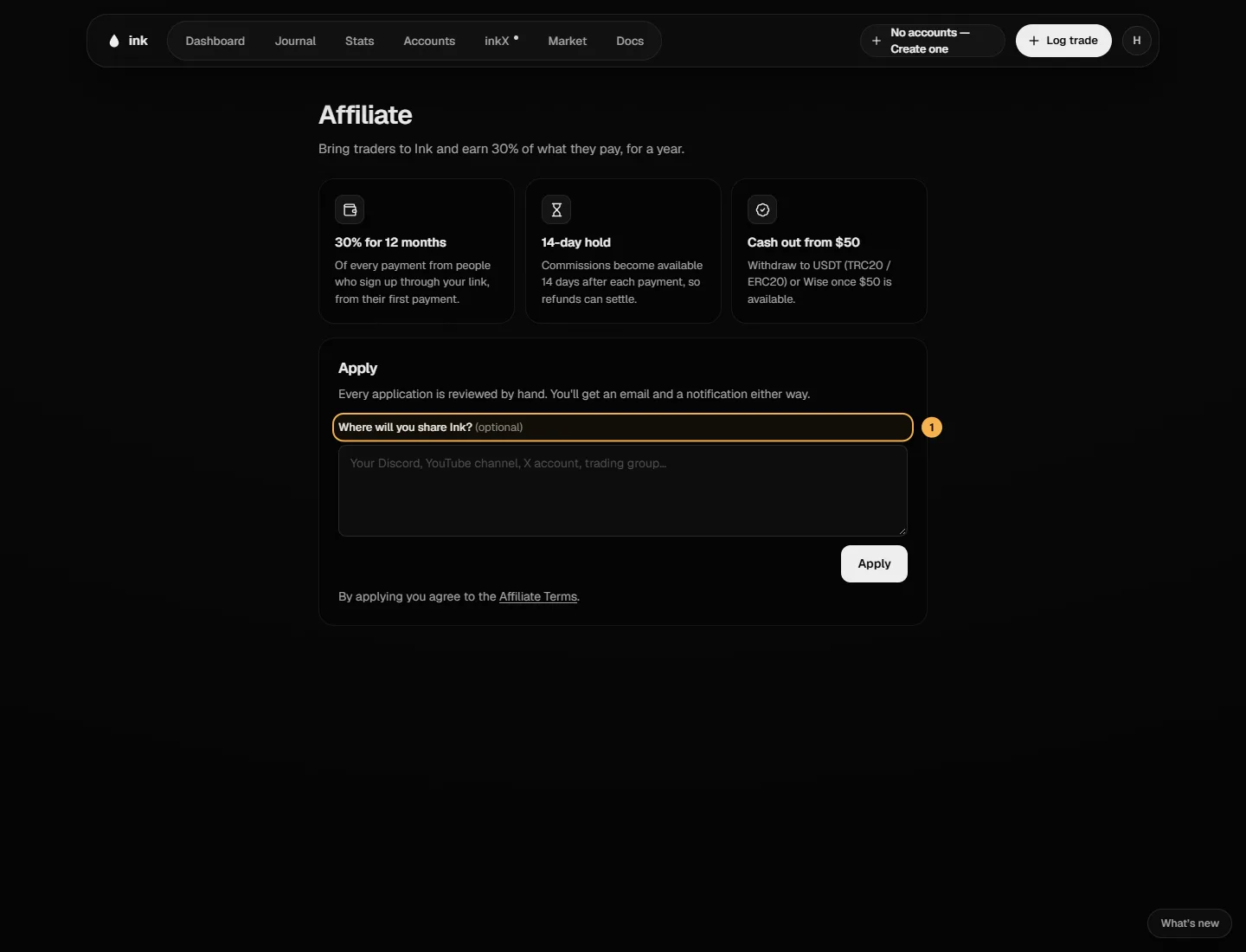
Bring traders to Ink and earn 30% of what they pay, for 12 months.
Apply
- Open the account menu and choose Affiliate program (the one with the 30% tag), or go to the public affiliates page and click Apply.
- The page shows the rules as three numbers — Your cut, Hold and Cash out from — and What it's worth, a calculator: pick how many traders you bring and what they pay to see what you'd earn.
- Optionally tell us Where will you share Ink? — type it, or tap a chip (Discord, YouTube, X, Telegram, Trading group) to add it.
- Click Apply. By applying you agree to the Affiliate Terms.
Every application is reviewed by hand. You'll get an email and a notification either way. Until then the page shows Application received, with a tracker at Reviewed by hand, and your link marked Unlocks when approved.
Once you're approved
The same page becomes your affiliate dashboard:
- Your link — copy it, or share it straight to X or Telegram. See Your link and who counts as your referral.
- Available, On hold and Earned · all time, then Referrals (link clicks, sign-ups, paid), Withdraw, Earned by month and Withdrawals. See Commissions and payouts.
You'll get an email when someone signs up through your link, each time you earn a commission, and when a payout is sent. They never say who signed up or paid.
The rules in short
Read the full Affiliate Terms. Among other things: no referring yourself, no spam, no bidding on Ink's brand in search ads, and say it's an affiliate link (for example "#ad" or "affiliate link") when you share it.