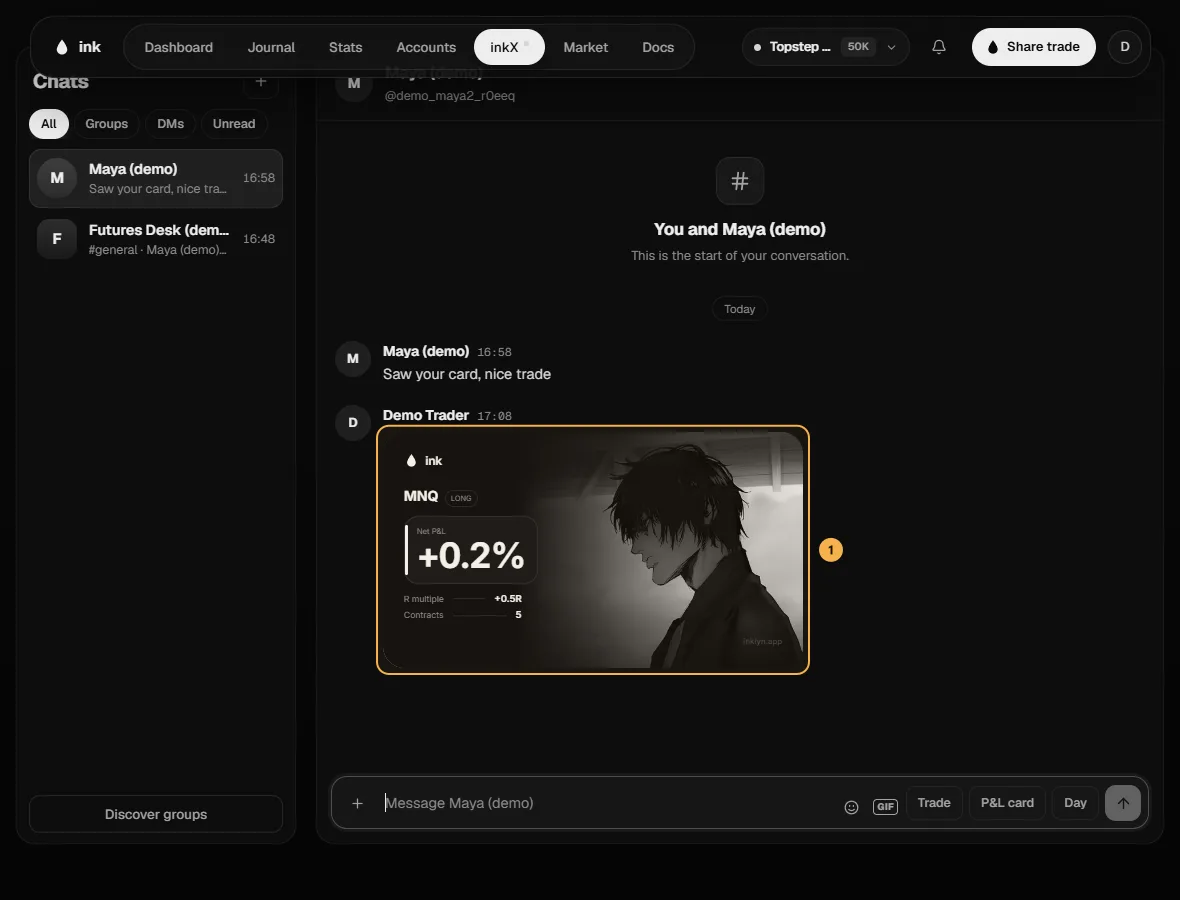
Chats and messages
Direct messages, message requests, group chats, and what you can do with a message.
Messages (the speech bubble in inkX's dock) holds your direct messages: your conversations on the left, the open one beside them. Search people finds a conversation. A group's chat lives under Groups — open the group to talk. A coral dot on the dock means something is unread.
Message someone
Open their profile and click Message.
- If they don't follow you, your first message is a request — one text message. They see it under Message requests at the top of Messages and can accept, delete or block. You can write more once they accept.
- Someone who only takes messages from people they follow shows "Only accepts messages from people they follow".
You can start 20 new conversations and send 10 requests a day.
In a chat
Messages can be up to 2,000 characters, with up to 4 photos, emoji or a GIF. To share from your journal:
- Trade — one of your latest trades as a compact card (P&L, R, entry and exit, notes — you choose, in % or $).
- P&L card — the same trade shown as its P&L card.
- Day — a Day's plan and review.
Everyone sees a frozen copy — editing the trade or Day later doesn't change the message.