Groups
Create a public or private group, choose how people join, invite traders, and run channels and members.
Create a group
Groups → Create group:
- Name and its link (
/g/…) — the link can't be changed later. - Public or Private. A private group is hidden; people join with an invite link only.
- For a public group, How people join: Open (anyone joins), Request (you approve each one) or Invite only.
Join a group
Join group, Request to join (shows Requested until it's approved — Cancel request to withdraw), or open an invite link (Join group or Ask to join if the link needs approval).
Channels
Every group has an announcements feed and text channels for chat. Voice channels are marked "Voice (soon)" — they aren't available yet.
Running a group
Groups have an owner, admins and members. In Group settings:
- Invite links — set how many uses (1, 5, 25, 100 or no limit), when it expires (1 hour to never) and whether joining Requires approval.
- Members — Make admin (owner only), mute for a while, Remove from group or ban.
- Only admins post — keep the feed to admins.
- The owner can Transfer ownership or Archive group.
Anyone can Report group to Ink.
Leave a group
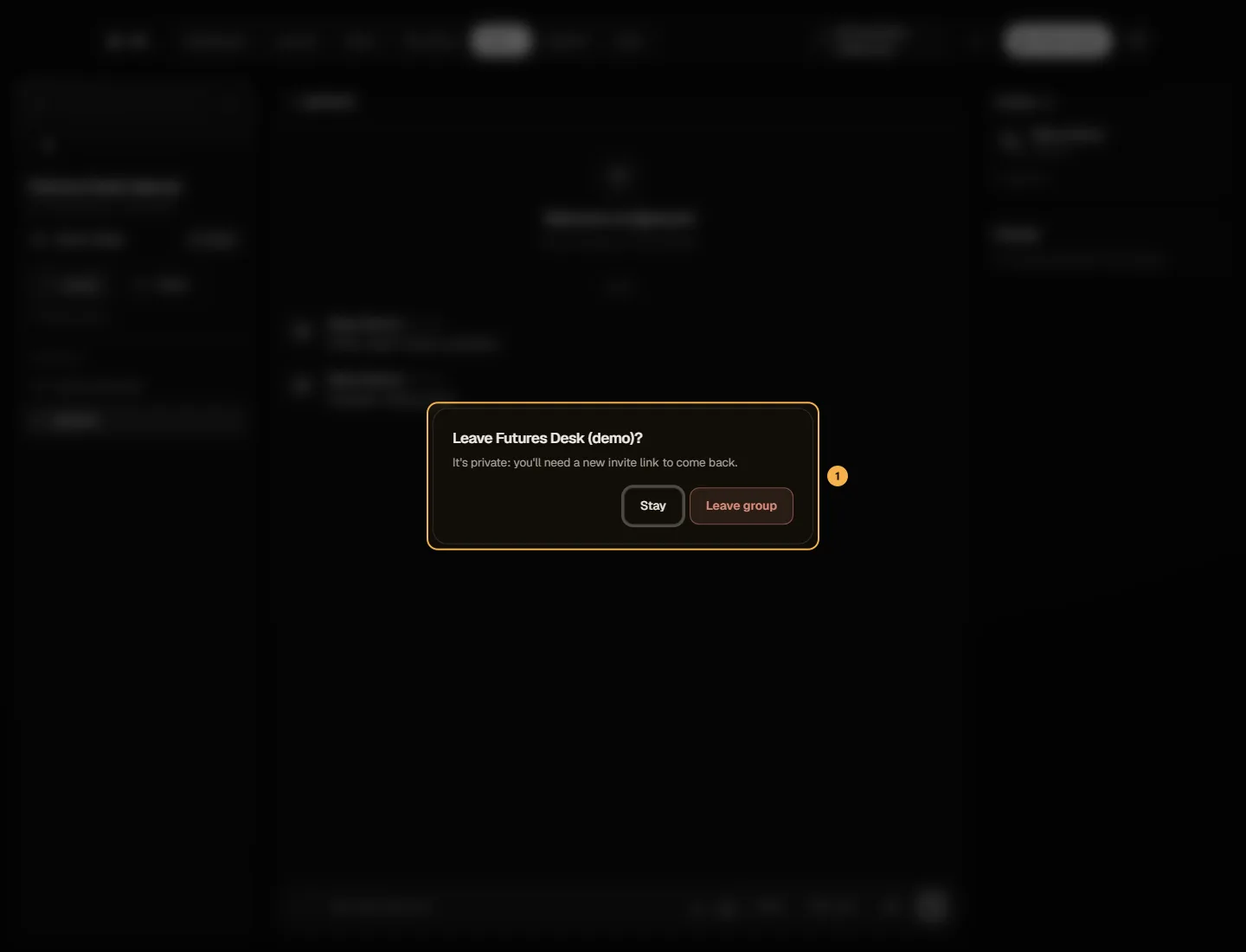
Click Leave in the group's header (on a phone: the ⋯ menu → Leave group), then Leave group to confirm. You can join a public group again later; for a private group you'll need a new invite link.
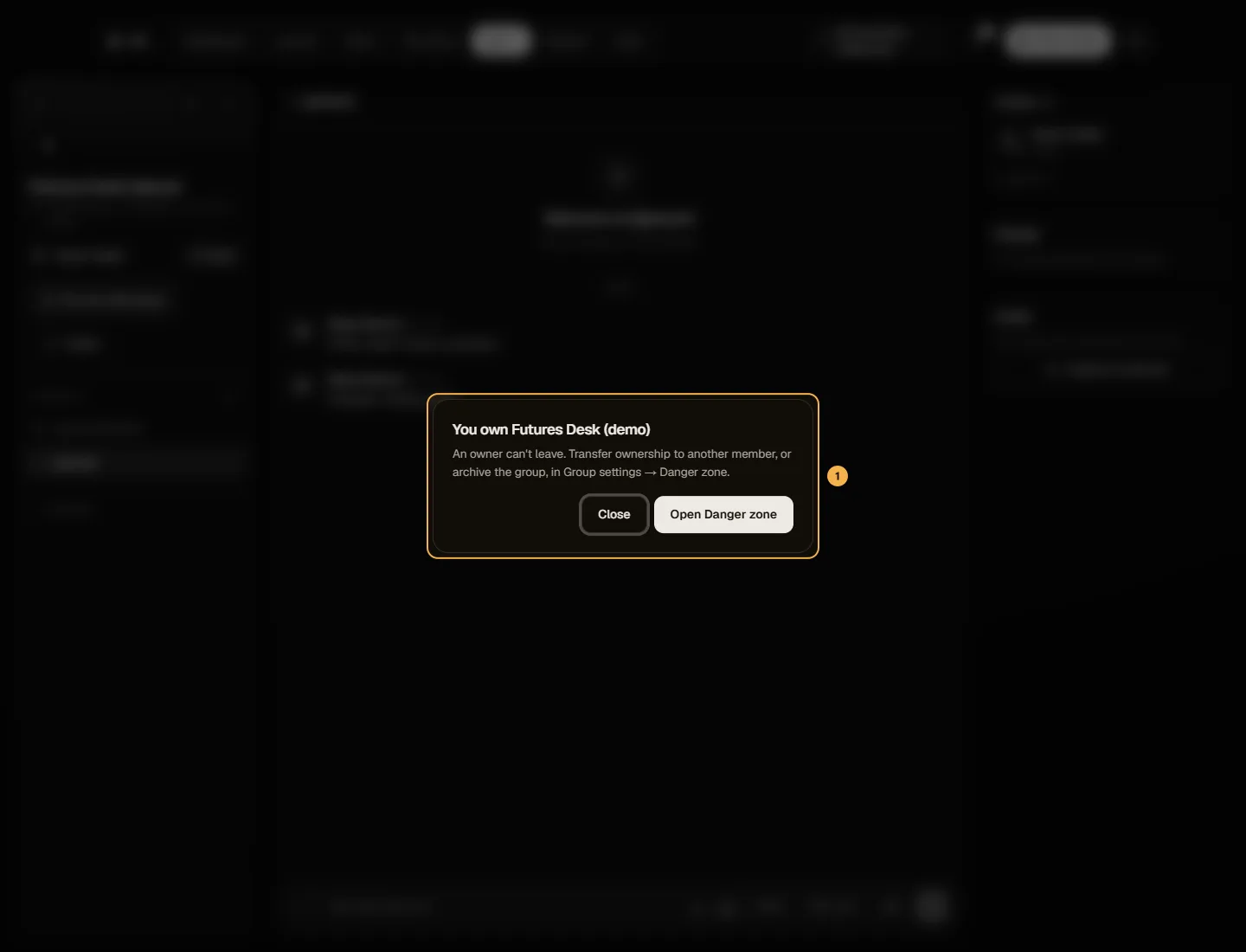
If you own the group, you can't leave it as it is — someone has to own it. Leave explains this and Open Danger zone takes you to Group settings, where you can Transfer ownership to another member (then leave) or Archive group.
On the Free plan
You can own 1 group with up to 100 members and 5 channels. With Pro there's no limit on groups or members, and up to 25 channels.