Marketplace
Themes made by traders — find one, open its page, save it, follow its maker or publish your own.
The Marketplace is themes made by traders — free to wear, free to publish.
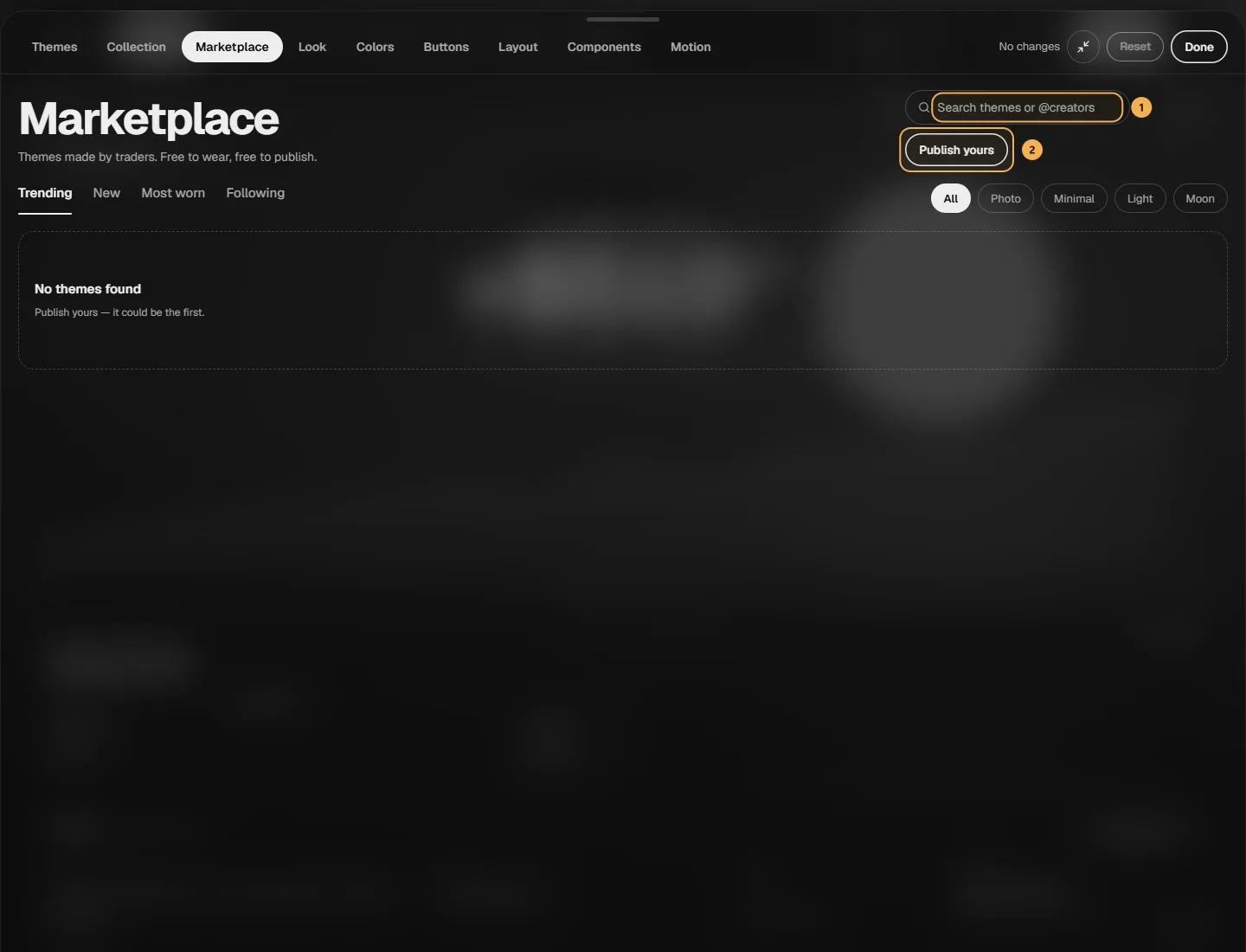
Find a theme
- Search names or @creators as you type. Theme of the week is the most-tried theme this week, once it has a few real uses.
- Trending, New, Most worn and Following (creators you follow on inkX) sort the grid; Photo, Minimal, Light and Moon narrow it down.
- ♡ saves a theme without opening it. Counts appear once there are 5 or more.
A theme's page
Tap a theme to open its page. It shows the theme on your own numbers — as the Dashboard, a P&L card (the real share card) or on a Phone — and Compare with mine puts yours next to it: drag the line.
- Wear puts it on at once; Undo in the message brings back exactly what you had. Only the look changes.
- Save keeps it with your ♡ — saved themes also show up as card styles when you share a P&L card.
- Follow the maker (when their inkX profile is public), or open their page to see all their themes and Share profile.
- Share: Copy link (anyone can open it and see a preview on made-up numbers, then Sign up to wear it), Copy theme code, Post to X or Send to Discord.
- ··· → Hide this theme (or everything from its maker) from your lists, or Report theme.
Publish yours
Publish yours lists your themes that aren't public yet. A public theme has to stay readable: Clear or Window cards over a picture need Readability 50 or more. A theme on your own picture shares that picture only once you publish — Ink asks first.