inkPad.
Notes that know your trades.
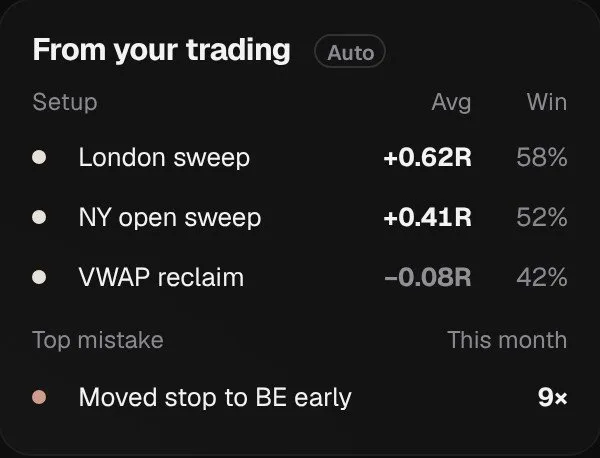
Today’s note fills itself in from your journal. Setups keep their own stats, and every note links to the trades behind it.
Get started Free to start · imports from Tradovate · TopstepX · MT5 · CSV from NinjaTrader, Rithmic and more
 Sample data
A notebook that reads your journal.
Write in one click.
Templates for a pre-market plan, a post-session review, a setup card or a mistake log. Pinned notes and folders on one page.
Templates for every noteFolders that file themselvesSearch notes, trades and setups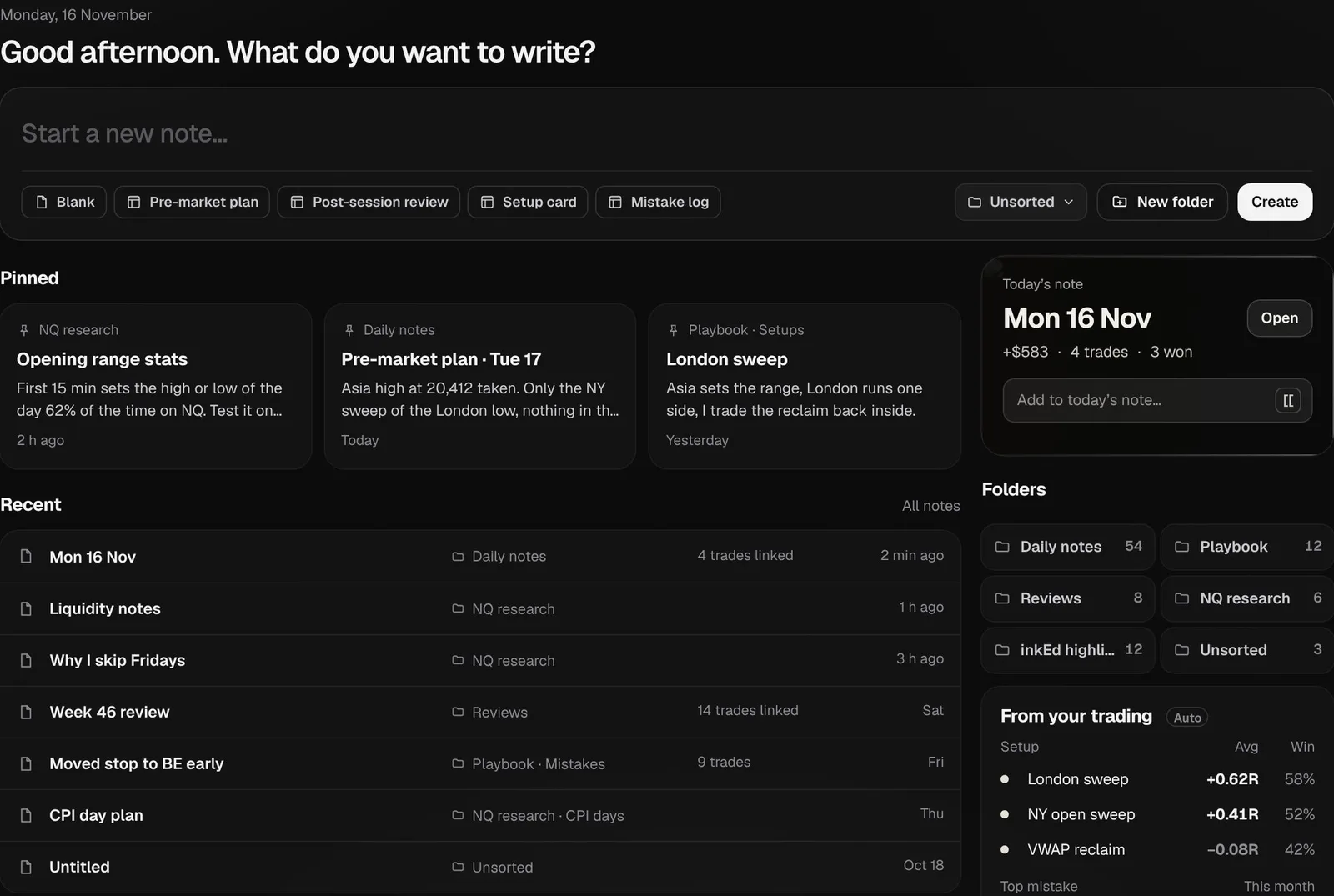 Sample data
 Sample data
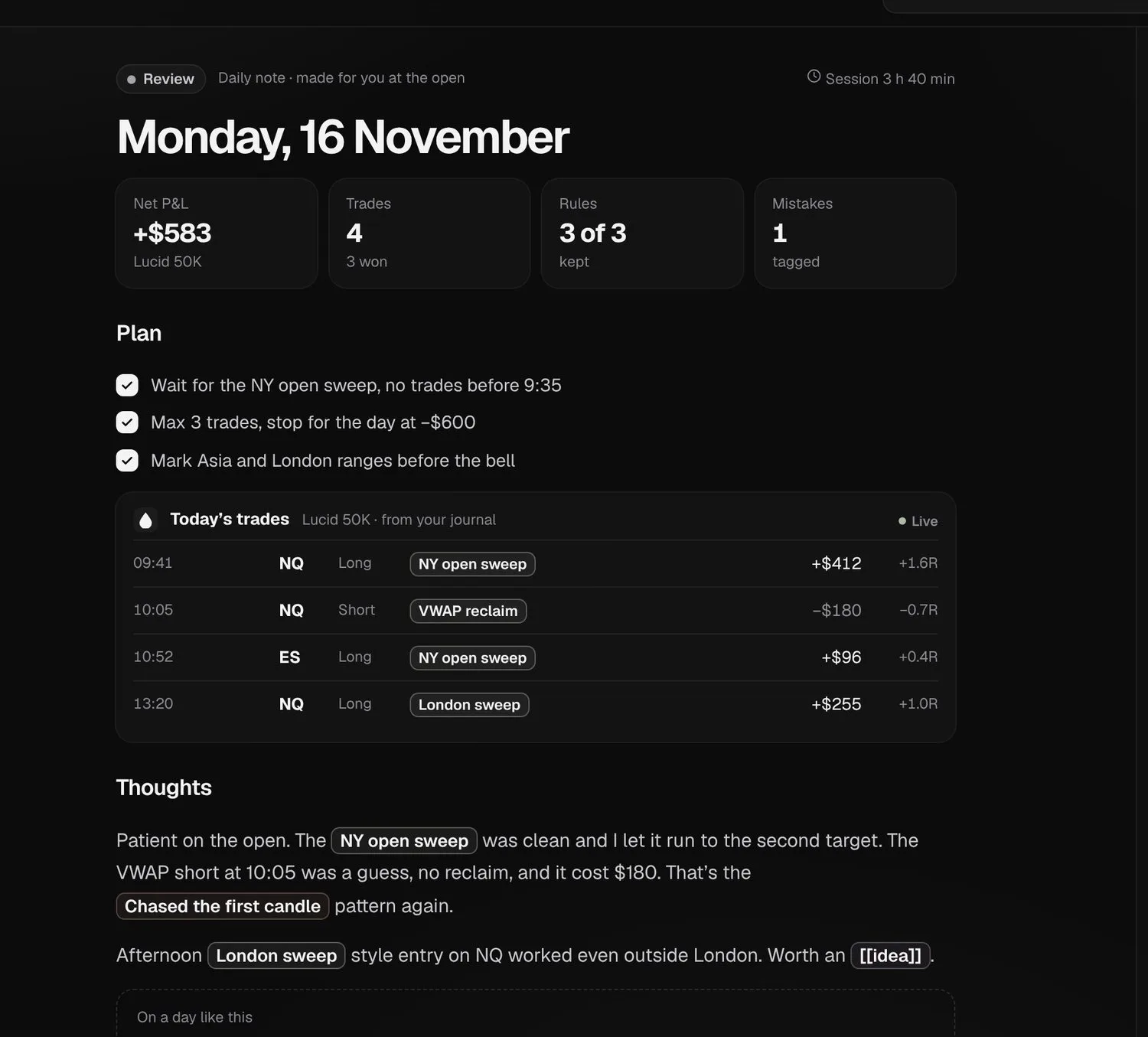
Today’s note writes itself.
Made at the open with the day’s trades, P&L and plan. You add the thoughts.
Trades from your journal, livePlan, checked as you tradeLinked setups and patternsSetups keep their own stats.
A setup note shows the win rate, R and equity of every trade tagged with it, next to the idea and the checklist.
Win rate, R and equity per setupChecklist next to the ideaBacklinks from every mention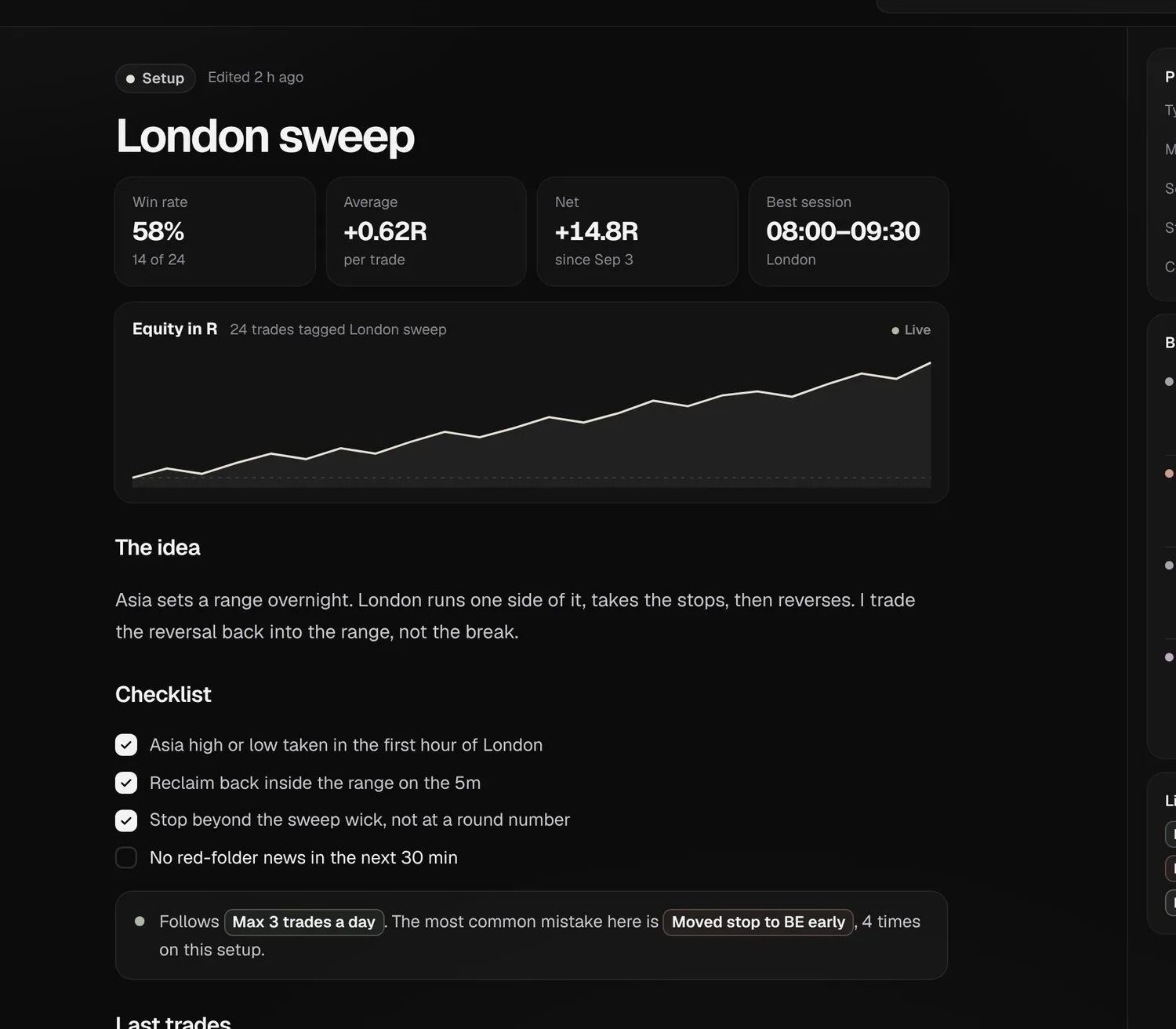 Sample data
 Sample data
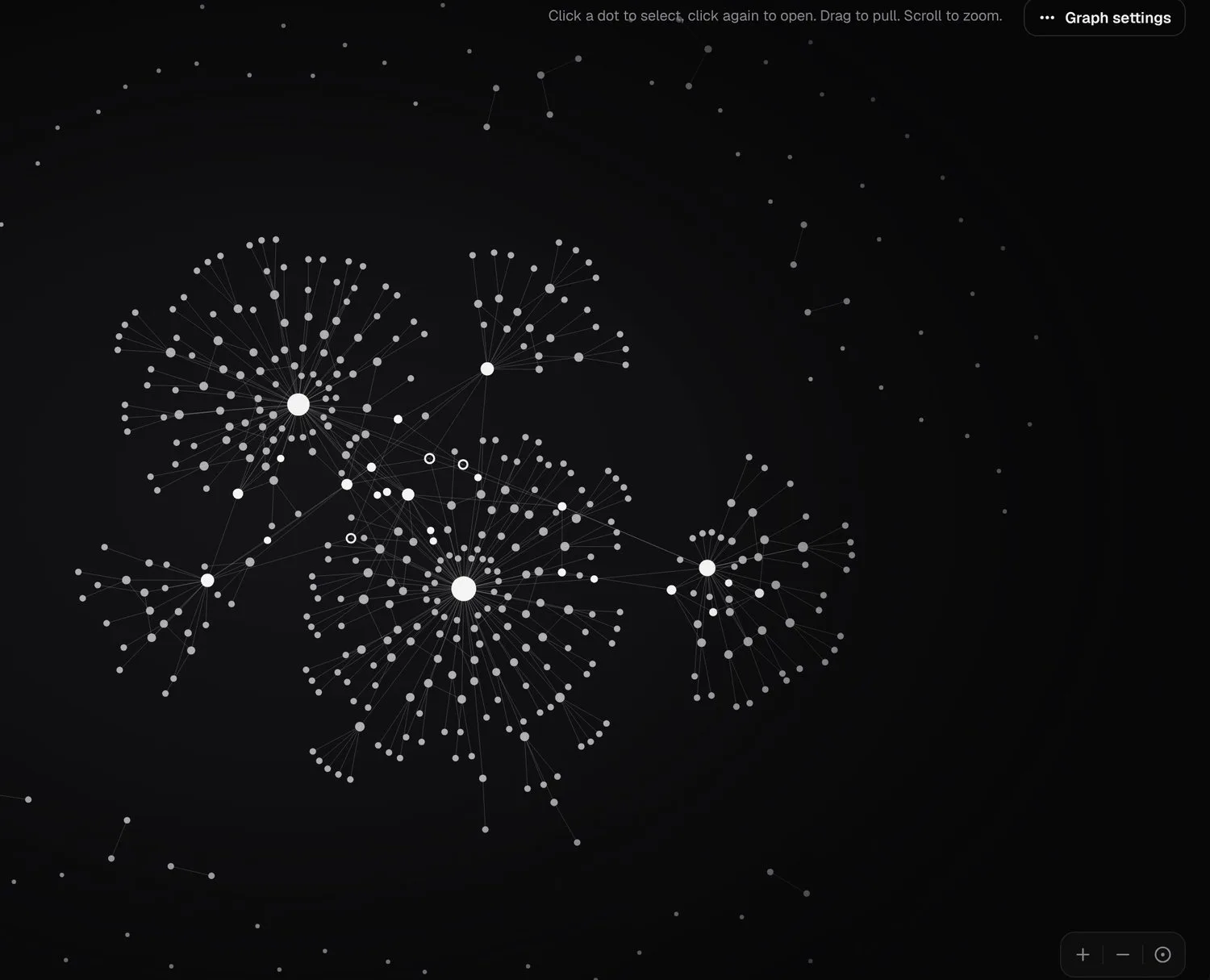
See how it all connects.
Every note and trade is a dot linked to what it mentions. Filter it, or open any dot.
Notes, trades and setupsFilters and focusClick a dot to open it
Notes that know
your trades.
Get started Will you pass? Try it freeFree plan · 3-day ink+ trial · imports from Tradovate · TopstepX · MT5 · CSV from NinjaTrader, Rithmic and moreAbout inkPad.
Is inkPad part of Ink?
Yes. inkPad is its own app inside Ink: same account, same trades.
What fills in on its own?
Today’s note gets the day’s trades, P&L and plan. Setups get the stats of every trade tagged with them.
Does it work without trades?
Yes. Notes work on their own; linked trades add the numbers.
How do links work?
Type [[ to link a note, a setup, a rule, a mistake or a single trade. Backlinks show where each one is mentioned.
Can I use templates?
Yes: blank, pre-market plan, post-session review, setup card and mistake log.
Are my notes private?
Yes. Notes are yours. Nothing is shared unless you share it.